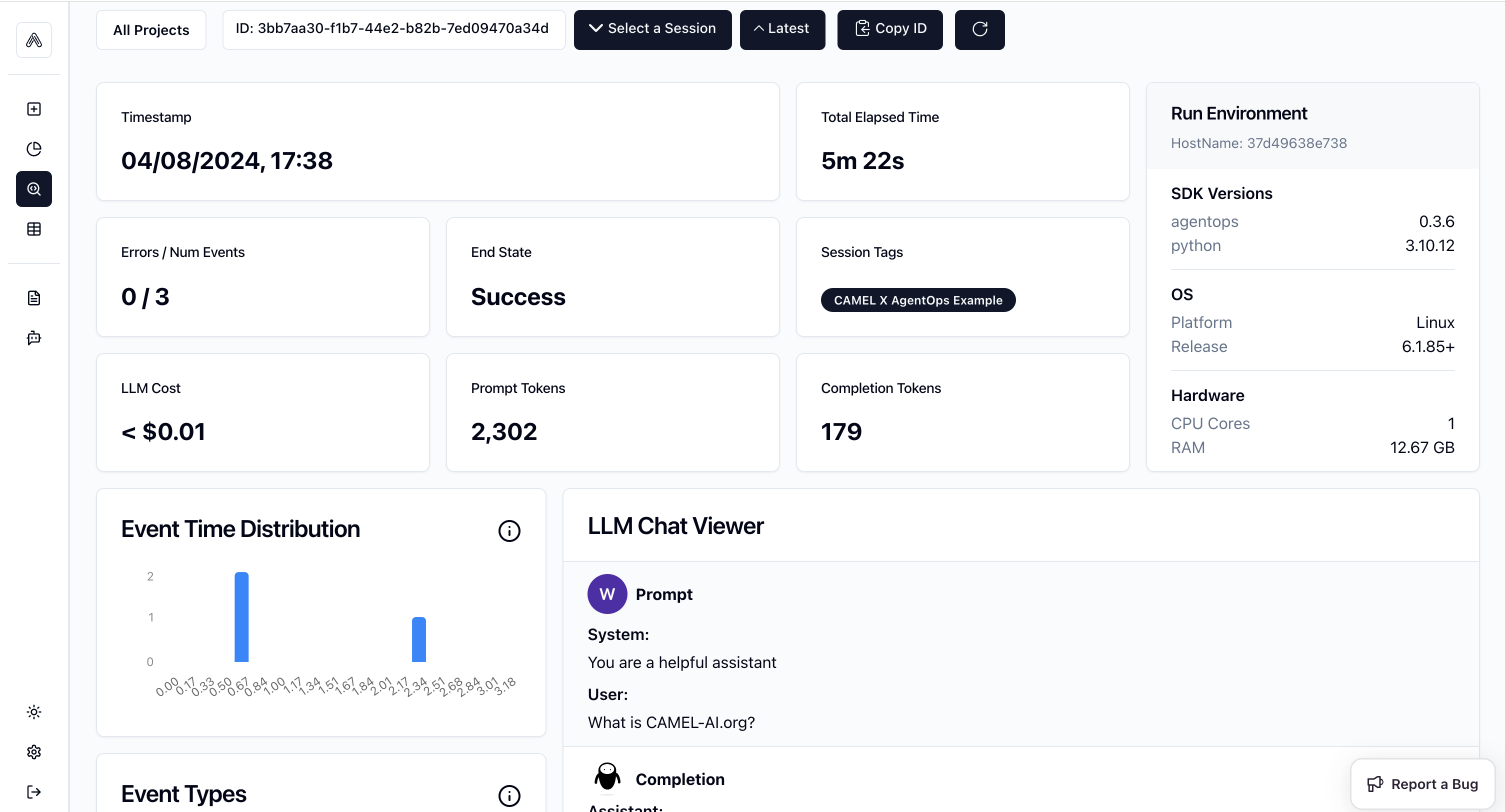

You can also check this cookbook in colab here Star us on Github, join our Discord or follow our X Goal: Track and analysis the running of CAMEL Single Agent and Multiple Agents including LLMs and Tools usage

📦 Installation

First, install the CAMEL and AgentOps package with all its dependencies:

🔑 Setting Up API Keys

You can go to here to get free API Key from AgentOps
Alternatively, if running on Colab, you could save your API keys and tokens as Colab Secrets, and use them across notebooks. To do so, comment out the above manual API key prompt code block(s), and uncomment the following codeblock. ⚠️ Don’t forget granting access to the API key you would be using to the current notebook.

🤖 Run CAMEL Single Agent with Tool by using AgentOps to track the whole process!

Import required modules from CAMEL.
Initialize AgentOps, you need to import toolkits after init of agentops so that the tool usage would be tracked.
Set one Agent with Search Tools
Set user query and run the agent
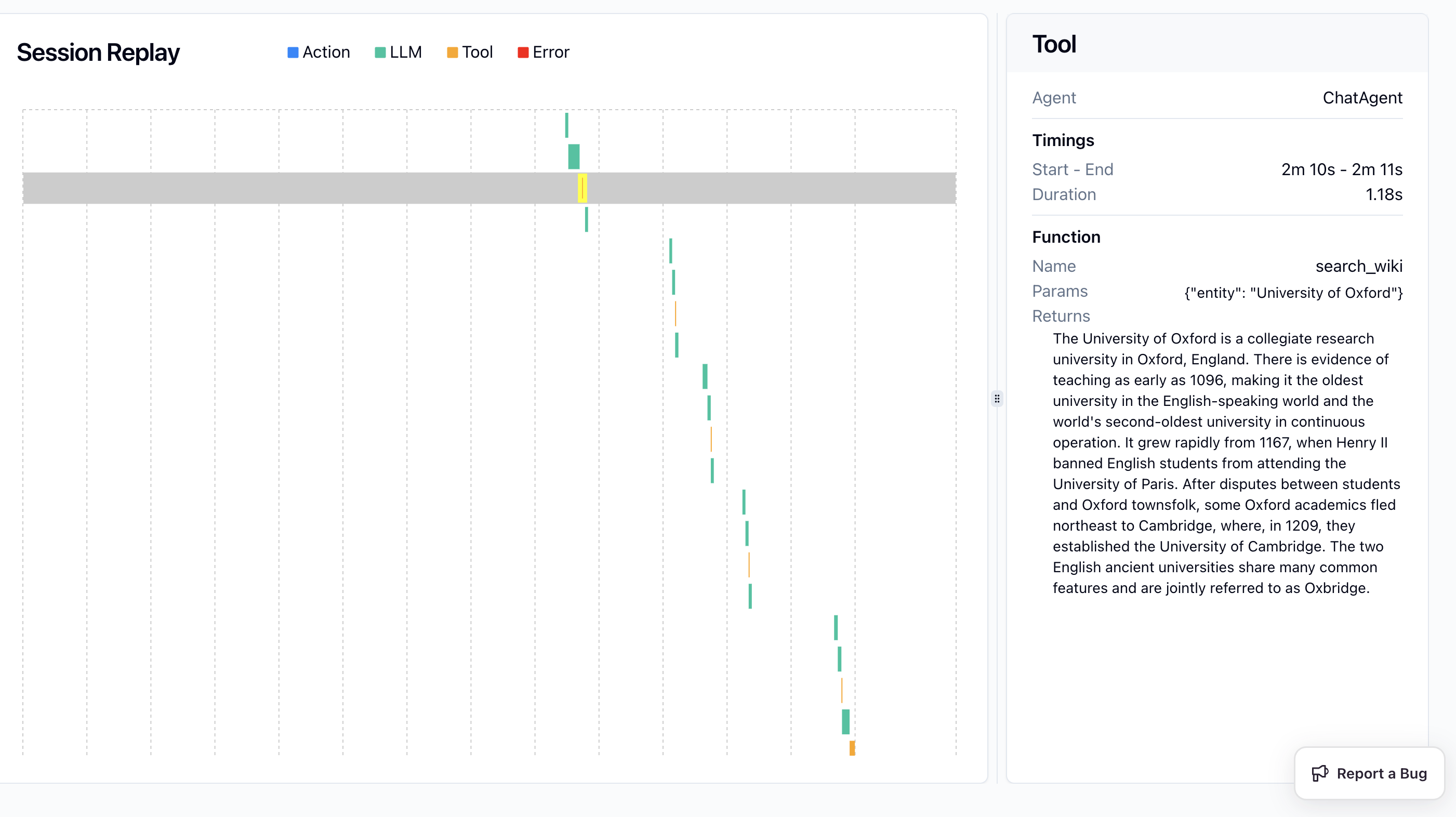
Screenshot 2024-08-04 at 17.47.13.png

🤖🤖 Run CAMEL Multi-agent with Tool by using AgentOps to track the whole process!

Import required modules
Initialize AgentOps, you need to import toolkits after init of agentops so that the tool usage would be tracked.
Set your task prompt
Set tools for the assistant agent, we wish the agent would be able to do mathmatic calculation and search information from websites
Set up Role Playing session
Print the system message and task prompt
Set terminate rule and print the chat message
End the AgentOps session
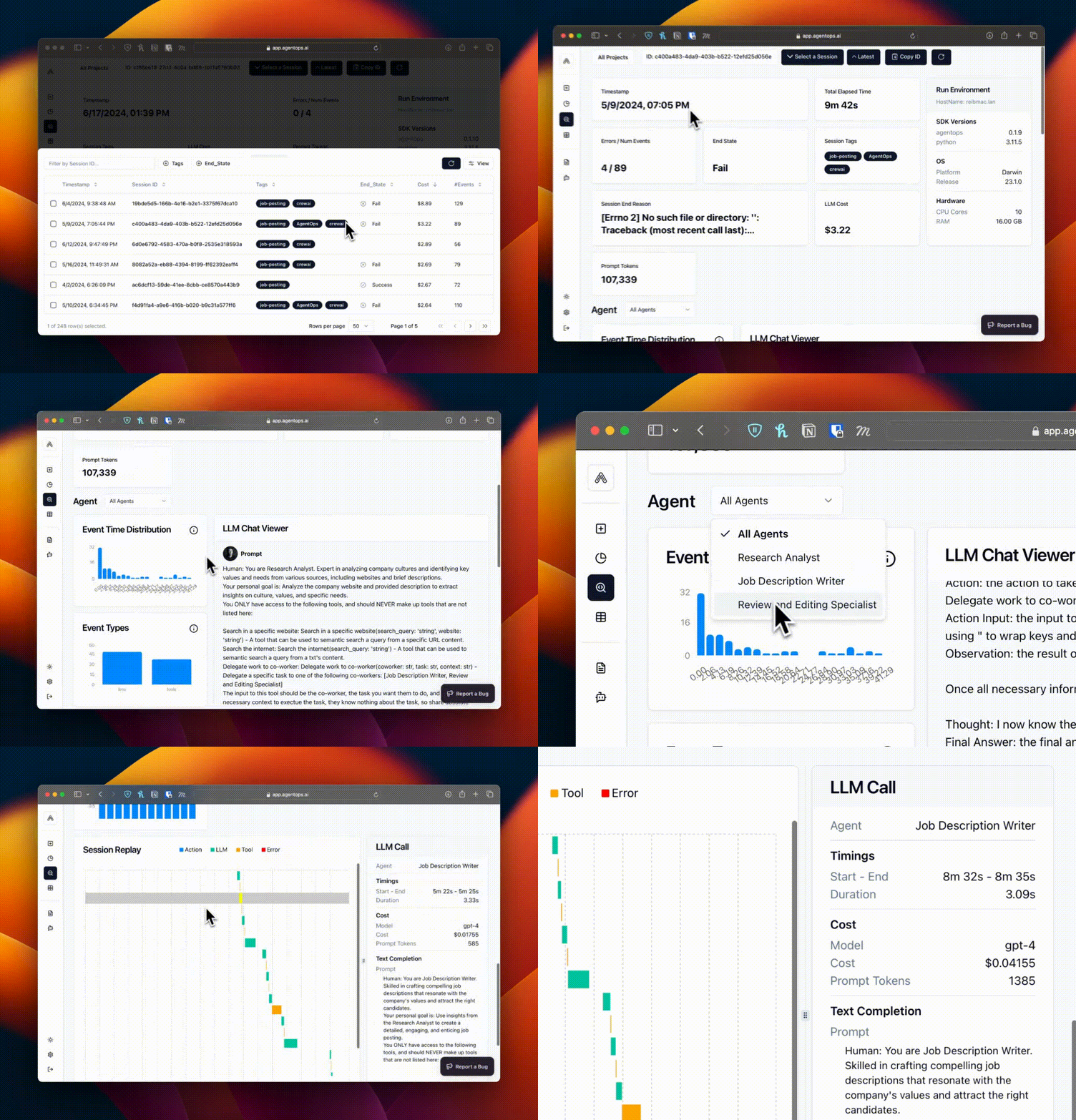
Screenshot 2024-08-08 at 01.16.58.png