



This notebook demonstrates how to set up and leverage CAMEL’s MCP function module. In this notebook, you’ll explore:
- CAMEL: A powerful multi-agent framework that enables Retrieval-Augmented Generation and multi-agent role-playing scenarios, allowing for sophisticated AI-driven tasks.
- MCP: Model Context Protocol, introduced by Anthropic in 2024 to formalize tool interaction using JSON-RPC 2.0 standard.
📦 Installation
First, install the CAMEL package with all its dependencies:🔑 Setting Up API Keys
You’ll need to set up your API keys for OpenAI. This ensures that the tools can interact with external services securely. You can go to here to get free API Key from AgentOpsPART I: Understanding the Model Context Protocol (MCP)
Brief History of Function Calling
- Pre-2023 - When LLMs Lacked Environmental Awareness:
- Tool usage implemented via prompt engineering
- Support provided at framework level (e.g., LangChain, CAMEL agents)
- No native capabilities; relied on parsing unstructured model outputs
- June 2023 – OpenAI Launches Native Function Calling:
- Introduced in GPT-4 and GPT-3.5-turbo
- Utilized structured JSON outputs to call tools and pass arguments
- Enabled significantly more reliable and scalable tool integration
- Nov 2024 – Anthropic Proposes MCP (Model Context Protocol):
- Formalizes tool interaction using JSON-RPC 2.0 standard
- Standardizes communication between AI systems and external tools/resources
- 2025 – Industry-Wide Adoption:
- OpenAI, DeepMind, and other major players adopt MCP
- Function calling becomes a core capability for advanced agentic AI systems

How Does MCP Work?
- MCP Hosts: Claude Desktop App, CAMEL agents, and other deployment environments
- MCP Clients: Internal protocol engines that handle sending/receiving JSON-RPC messages
- MCP Servers: Programs that process incoming messages from clients and return structured responses
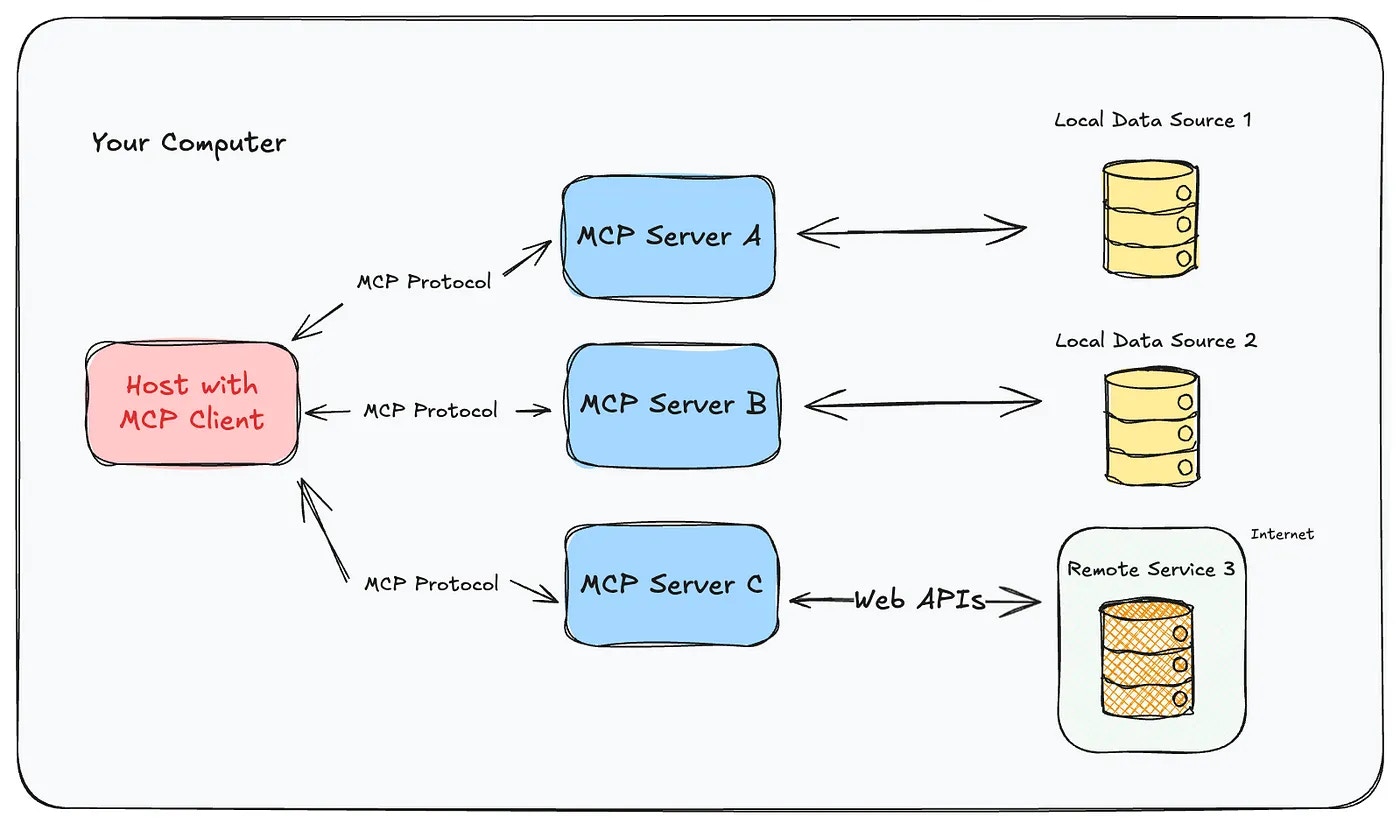
MCP Ecosystem
MCP is gradually becoming a standard. Here are some useful MCP repositories:PART II: CAMEL’s Integration Efforts with MCP
CAMEL’s Integration with MCP
In this section, we’ll explore how CAMEL is integrating with the Model Context Protocol to create a more powerful and flexible agent framework. Here’s what we’ll cover:- Agent using MCP tools
- Export CAMEL existing tools as MCP servers
- MCP search toolkits/ MCP search agents
- Export CAMEL agents as MCP servers
- Future plans
Hands-on with CAMEL Agents and Tools
Hands-on with CAMEL Agents using MCP Servers
Here, we will use Time MCP Server as an example. First, we need to provide config file for the agent, stored in a separated file, in this case:[ToolCallingRecord(tool_name='get_current_time', args={'timezone': 'Asia/Riyadh'}, result='{\n "timezone": "Asia/Riyadh",\n "datetime": "2025-05-01T15:57:59+03:00",\n "is_dst": false\n}', tool_call_id='toolu_01Gwdy3Ppzf2z42t6YL7n7cE')]
Creating an MCP Server from a Toolkit
This functionality is for converting existing CAMEL toolkits to MCP servers, using just a few lines of codeMCP Search Toolkits (using Pulse)
There are tons of MCP servers implemented, now we need tools to search for the useful ones! In CAMEL, we can do it by usingMCPSearchToolkit
MCP Search Agents
The MCP search agents are more than just searching for MCP tools, but also able to execute them. Here we use - Smithery MCP registry as the example. It can automatically search and connects to the Brave MCP servers, and use it to help us search information!Agent as MCP servers
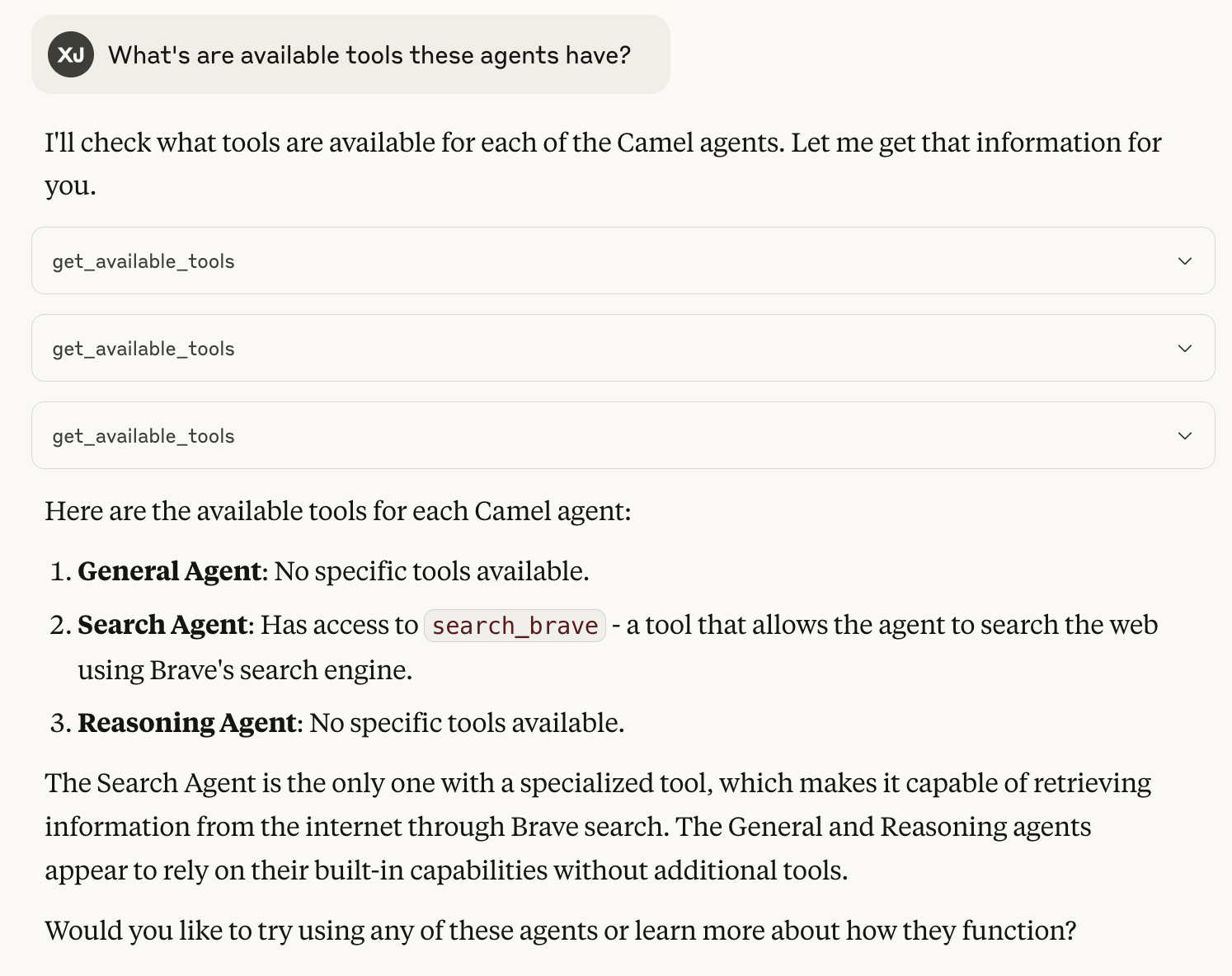
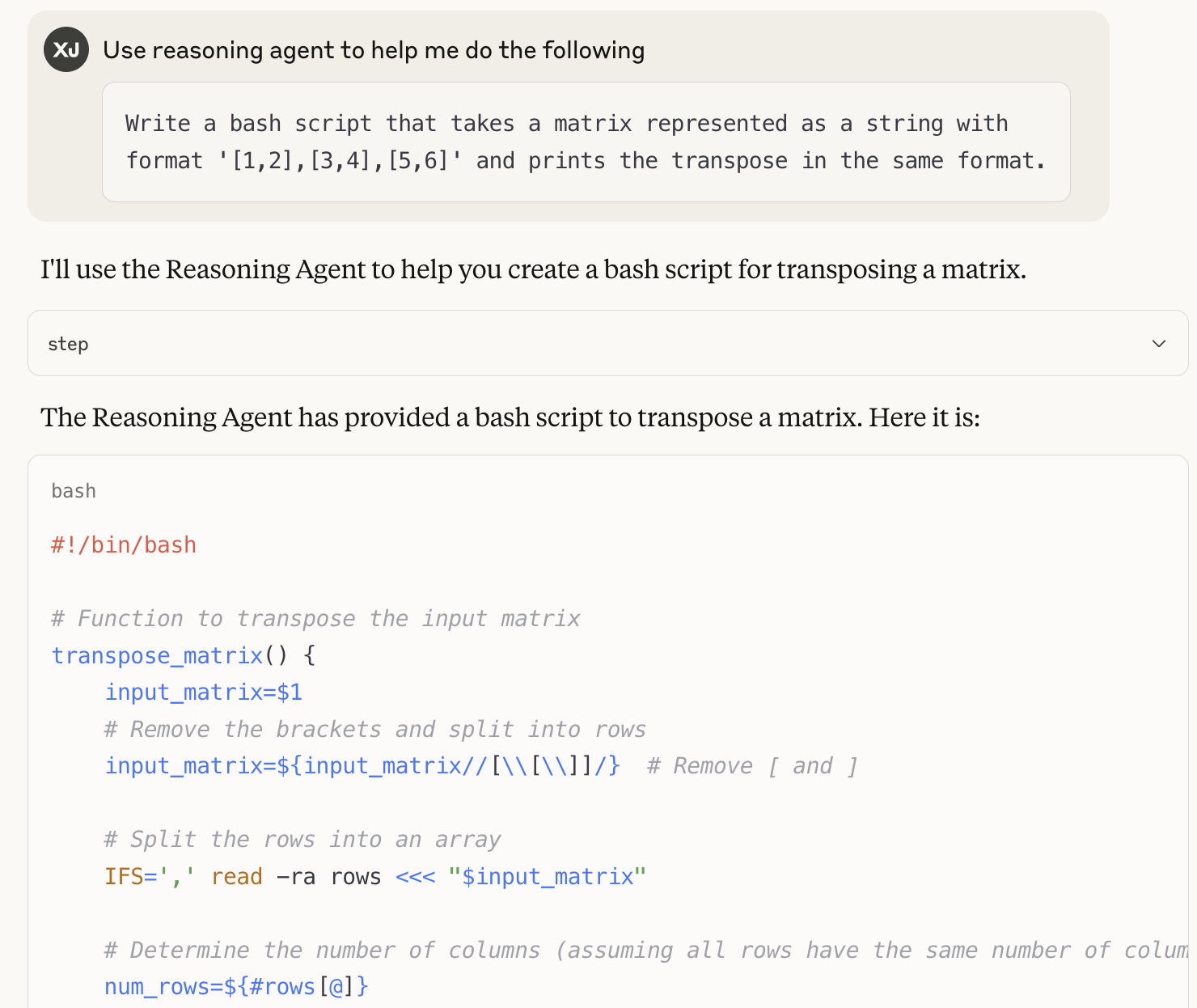
Now you can ship your favourite CAMEL agents as MCP servers! Then you can use other MCP clients to interact with it, like Claude, Cursor, etc.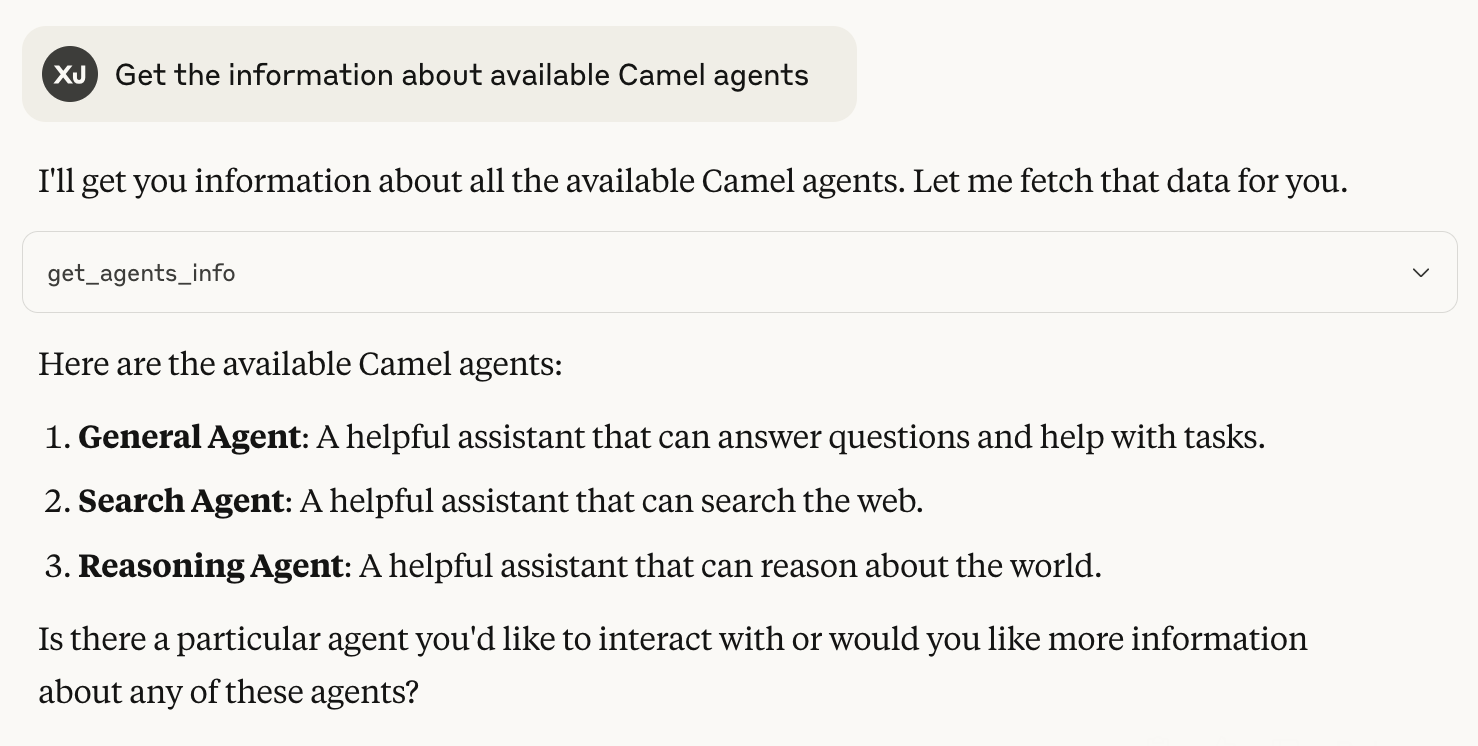
Ongoing MCP Developments
- MCP Search Agents: Integration with additional MCP registries, e.g., ACI.dev, Composio
- MCP Hub: Hosting and validating our own repository of MCP servers
- Role-Playing/Workforce as MCP Servers: Transforming CAMEL’s multi-agent module into MCP servers
🌟 Highlights
This notebook has guided you through the MCP related functions and modules in CAMEL, including:- Agent using MCP servers
- Convert tools into MCP servers
- MCP search toolkits / agents
- Agent as MCP servers
- 🐫 Creating Your First CAMEL Agent free Colab
- Graph RAG Cookbook free Colab
- 🧑⚖️ Create A Hackathon Judge Committee with Workforce free Colab
- 🔥 3 ways to ingest data from websites with Firecrawl & CAMEL free Colab
- 🦥 Agentic SFT Data Generation with CAMEL and Mistral Models, Fine-Tuned with Unsloth free Colab